 XTREAM.ro
Before installation
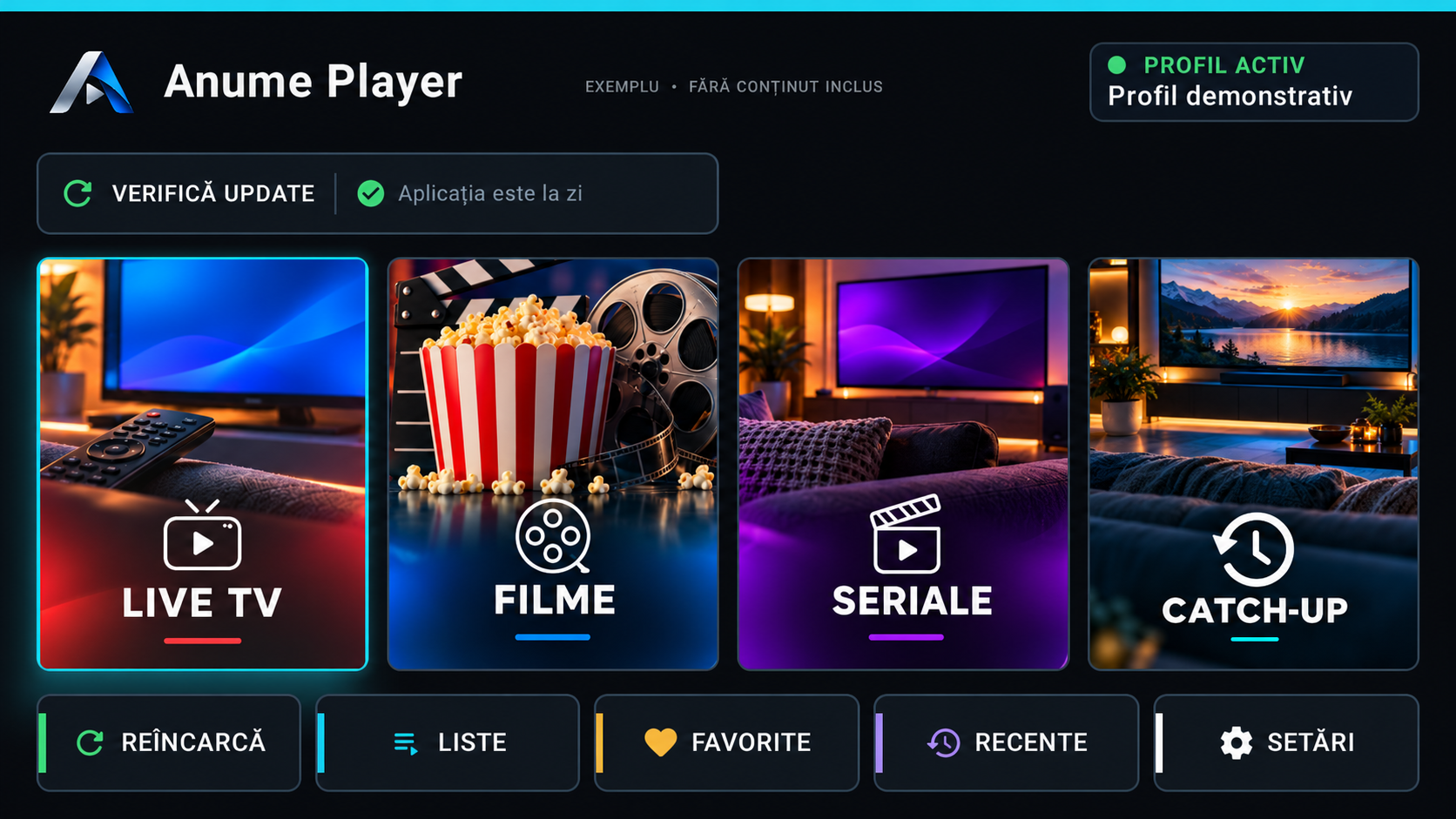
We recommend Anume Player for Firestick / Fire TV. Check the internet connection, free storage and operating system before installation. Fire TV generations can use different systems, so a Fire OS APK is not a universal installer.
Install with Downloader
Follow the steps in order. The Downloader code identifies the app download; it is not your customer code and does not activate a subscription.
- Check your Fire TV model and operating system: the APK instructions apply to Fire OS.
- Install Downloader on Fire OS and enter code 5828979.
- If Fire OS asks, allow installation for Downloader, then install Anume Player.
- Open the app and configure its connection in your account. For Vega OS, check the compatible edition; do not install the Fire OS APK.
Configure the right connection
Open Anume Player and note the MAC / Device ID shown in the app locally. In your XTREAM.ro account, select AnumePlayer on the connection you use and save that exact identifier. Configure each device separately; do not reuse another player’s identifier. Then request one reload. Wait for the upload confirmation, fully close the app and reopen it. Never post passwords, PINs, portals or QR codes in chat.
If installation or the playlist fails
Note the exact error and device model. If the app opens but the playlist is empty, check the connection identifier and reload result. Do not repeatedly reinstall or clear app data before checking these details.
Frequently asked questions
Is 5828979 my customer code?
No. It is the Downloader download code. Your XT code separately identifies your account.