XTREAM.ro
Current Windows installer
Use AnumePlayer-Setup-2.4.0.exe from XTREAM.ro Downloads. This is the Windows installer; the Downloader code is for Fire OS / Android TV and does not replace the PC installer. Download the file, check its name and start installation from your Downloads folder.
Configure the right connection
Open Anume Player and note the MAC / Device ID shown in the app locally. In your XTREAM.ro account, select AnumePlayer on the connection you use and save that exact identifier. Configure each device separately; do not reuse another player’s identifier. Then request one reload. Wait for the upload confirmation, fully close the app and reopen it. Never post passwords, PINs, portals or QR codes in chat.
Playback and reload
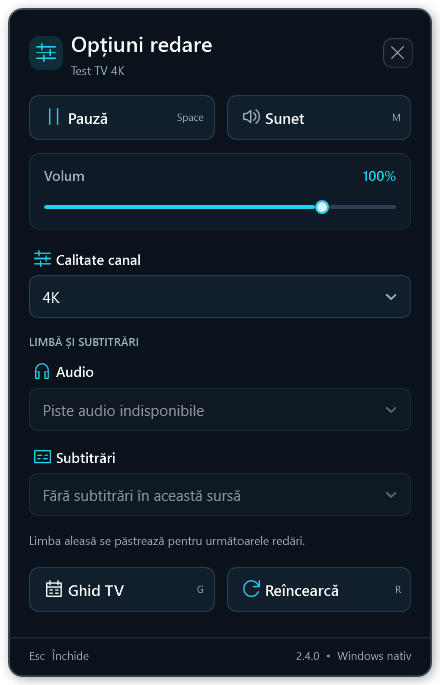
The home screen lets you reload the playlist. Playback options include sound controls and, when the source provides them, audio tracks and subtitles. Availability depends on the channel. If sound or picture is missing, compare another channel and note the error before reinstalling.