XTREAM.ro
Channels do not appear
Check subscription, saved app and connection identifier. If you already requested a reload, read its result before resending. Follow the dedicated guide for a fully empty playlist; a missing category can instead involve package settings or filters.
Picture buffers or sound is missing
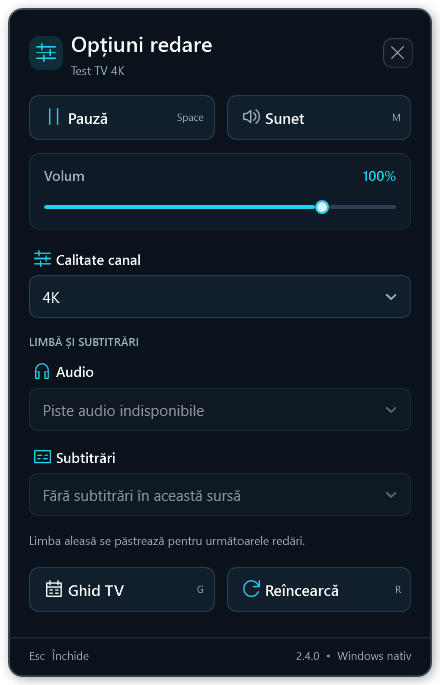
Compare an SD and an HD channel. If one fails, note its name and time; if all buffer, compare the same app on another network. Check volume and available audio tracks for sound issues. Reinstallation is not a guaranteed solution.
Server or activation errors
A player licence message differs from an expired TV subscription. For 500/502/503/504 or an unconfirmed result, keep the reference and exact message and contact support. Do not repeat operations that may still be processing.